
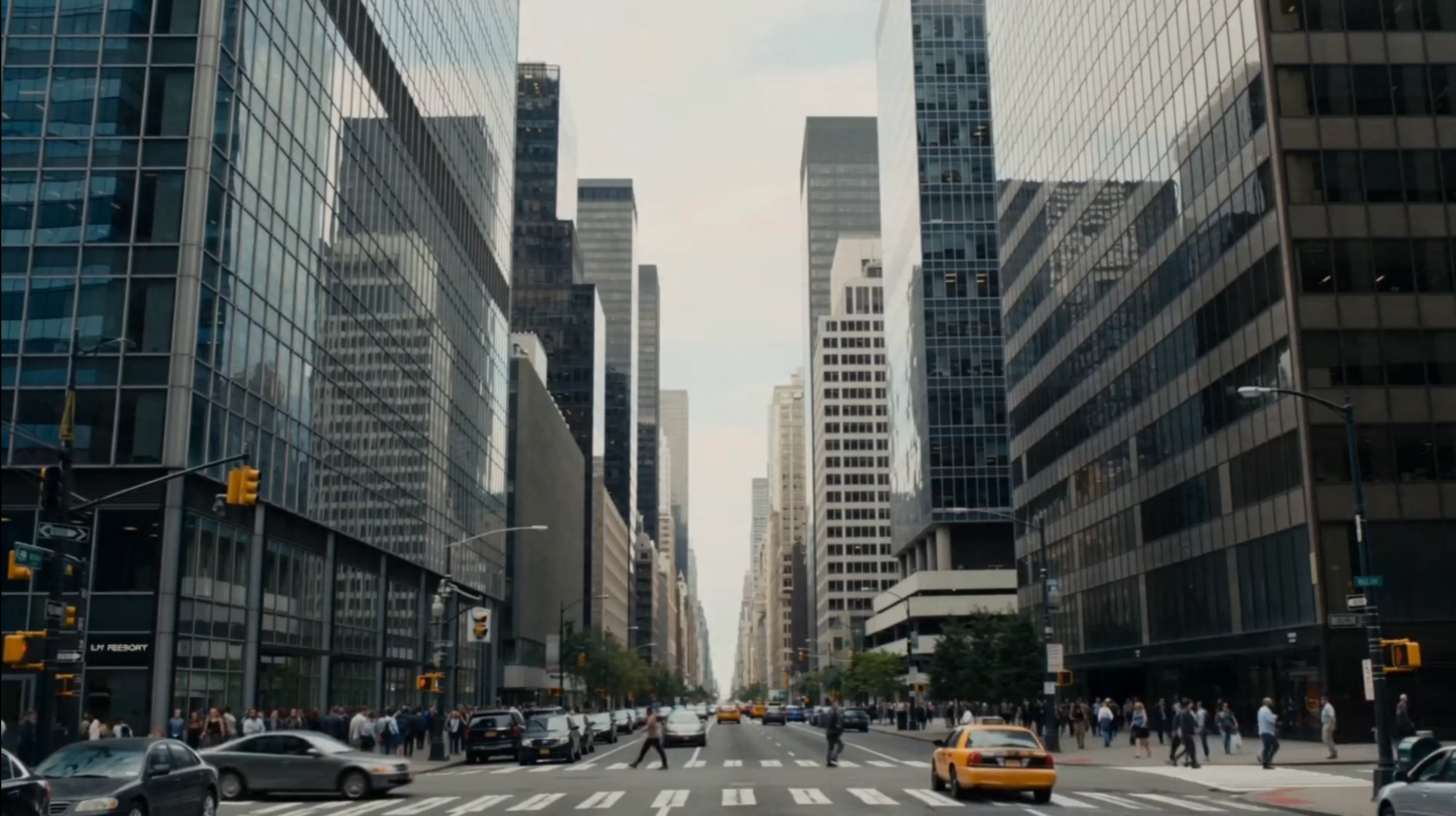
 Video Preview
Meta Muse Video — Native Audio Clips
Meta's model generates synchronized sound with visuals in one pass. Preview prompt adherence, temporal consistency, and cinematic motion in real outputs.
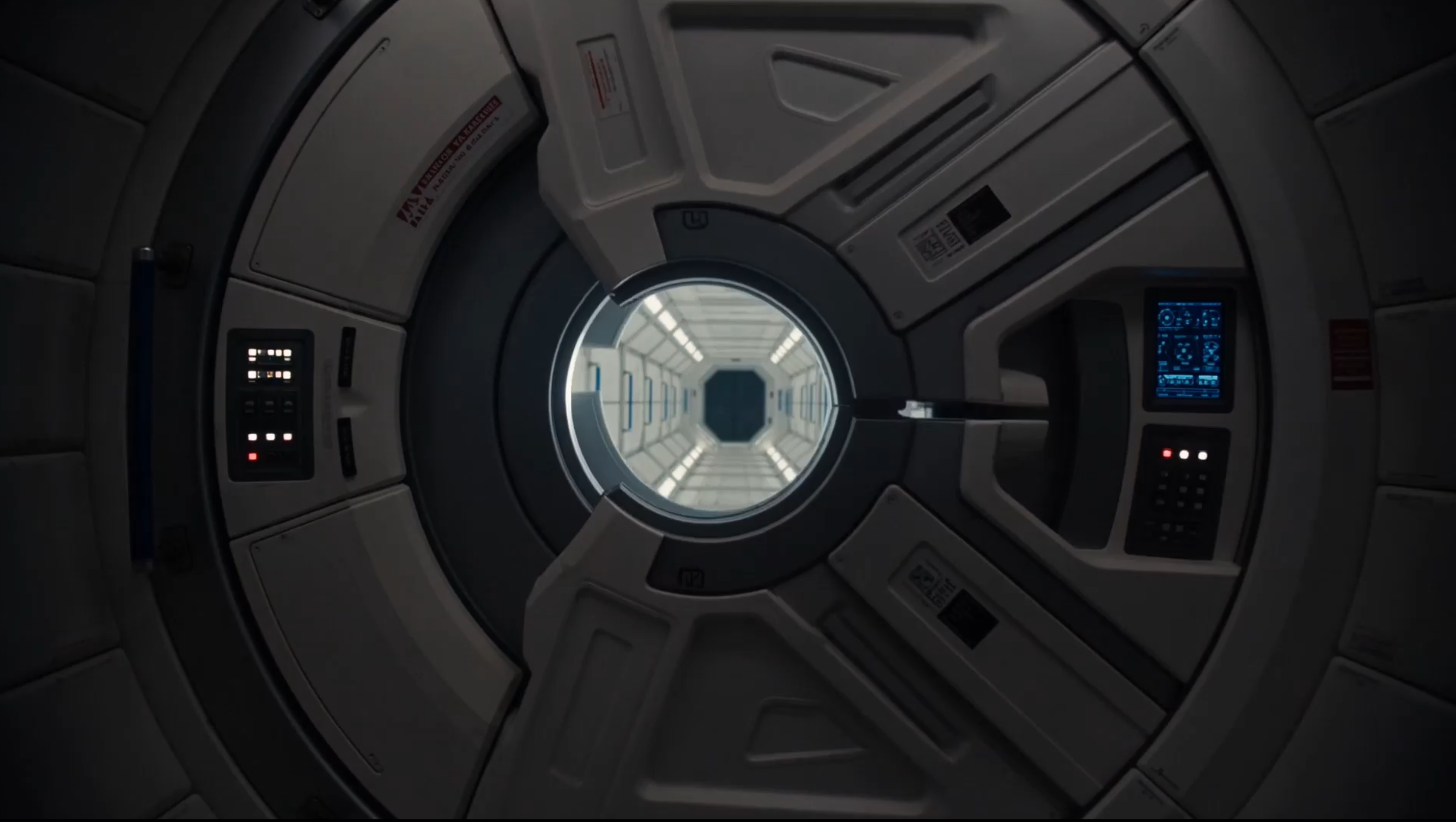
Video Output
ReadySee what Meta Muse Video and Muse Image can do — native-audio video, agentic image generation, and creator workflows built on Meta Superintelligence Labs models.
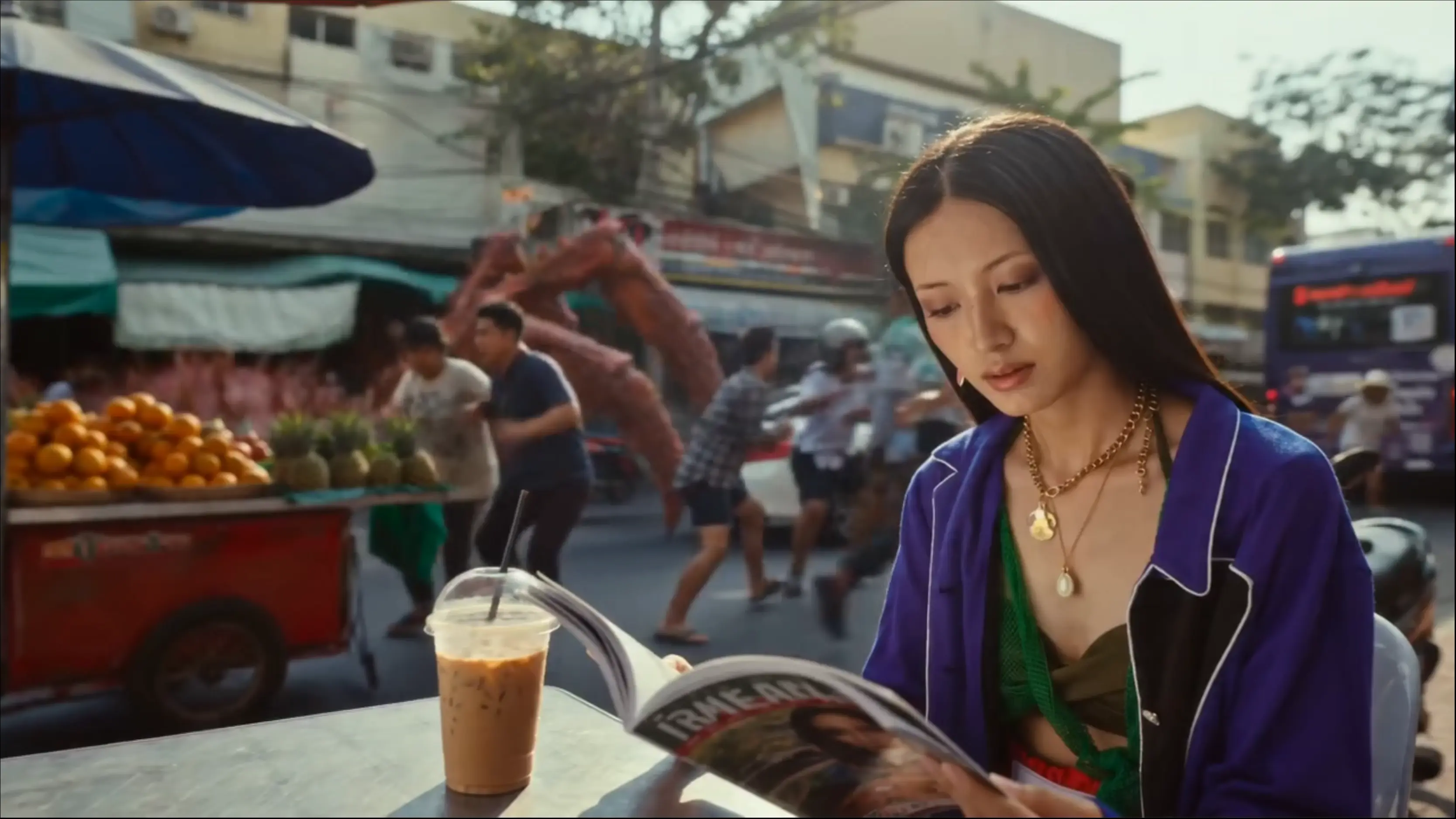 new
new new
new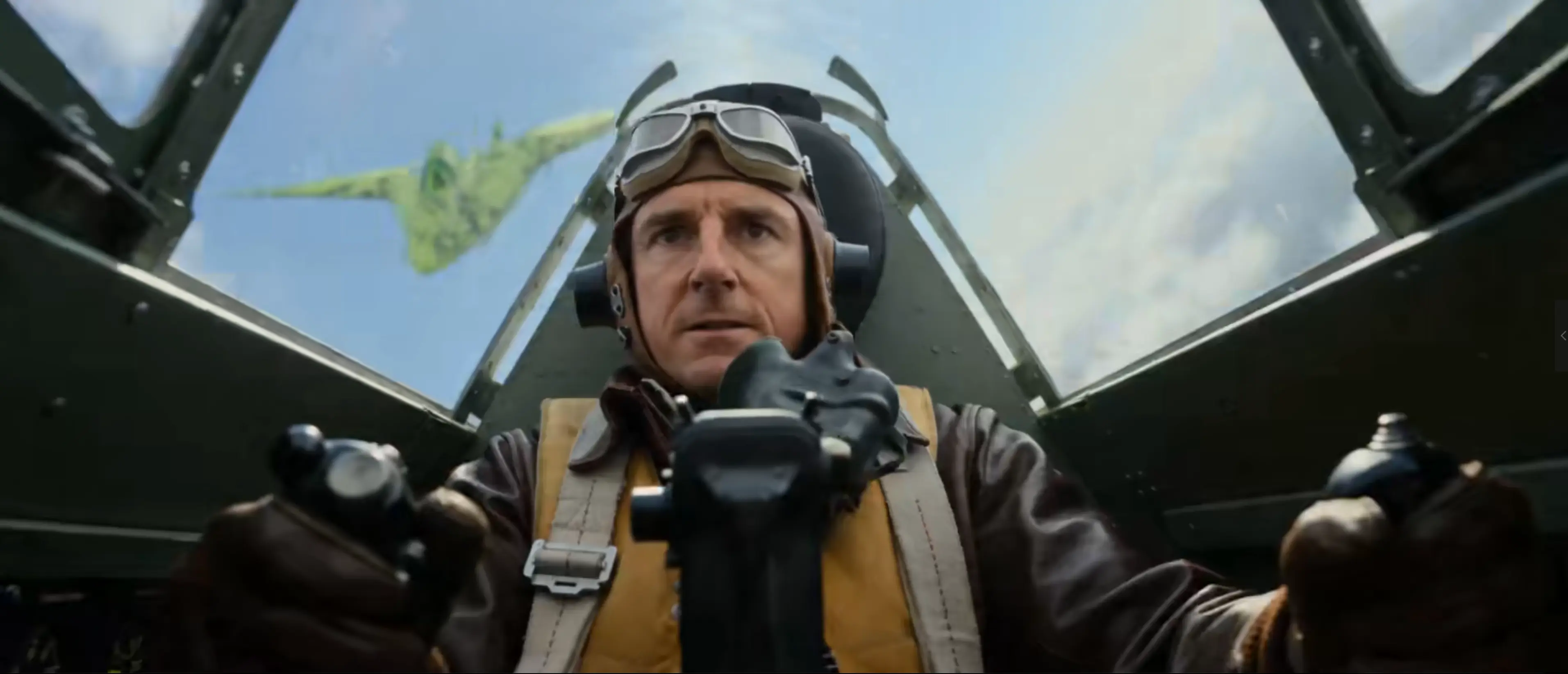 new
new new
new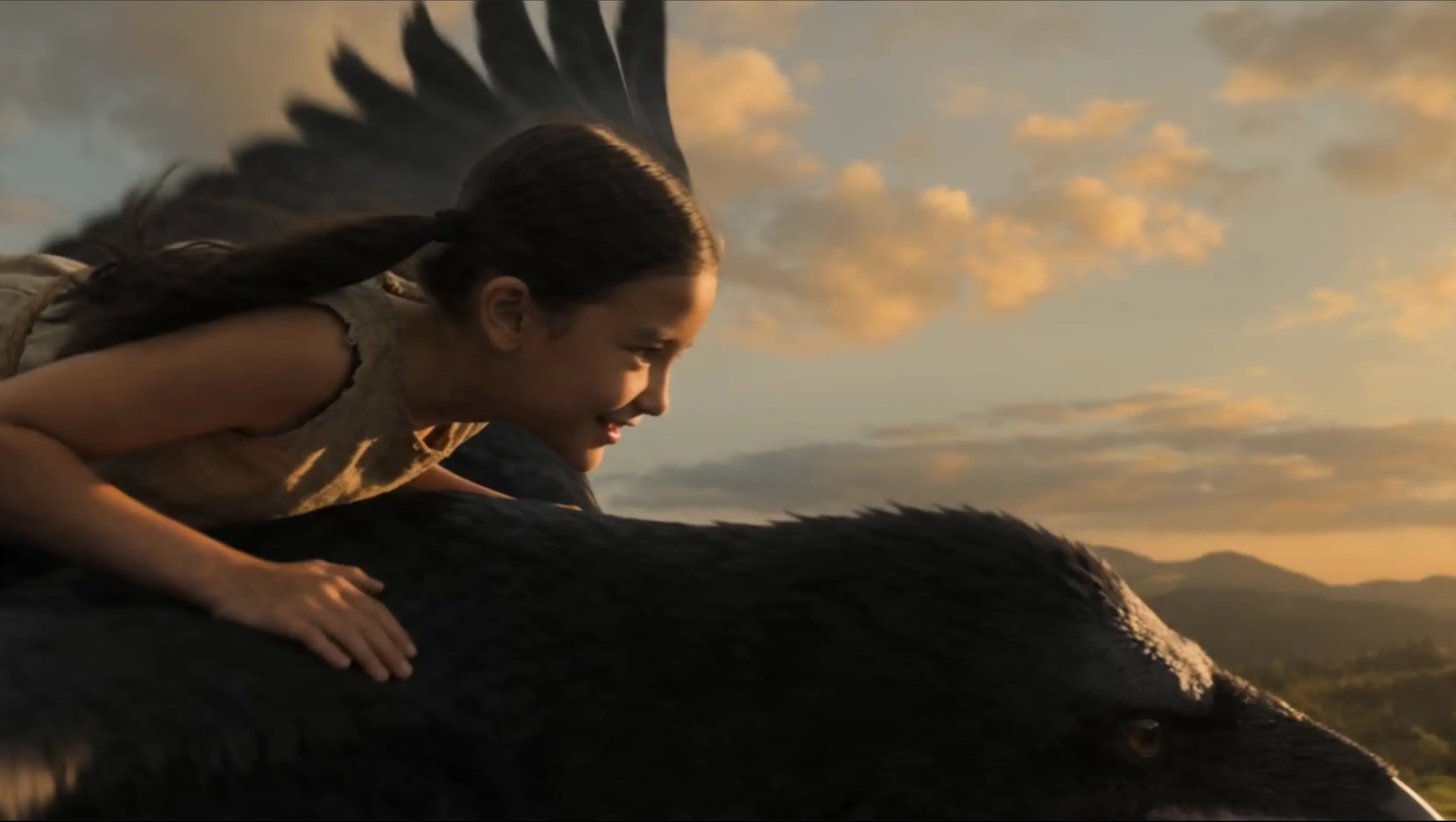 hotnew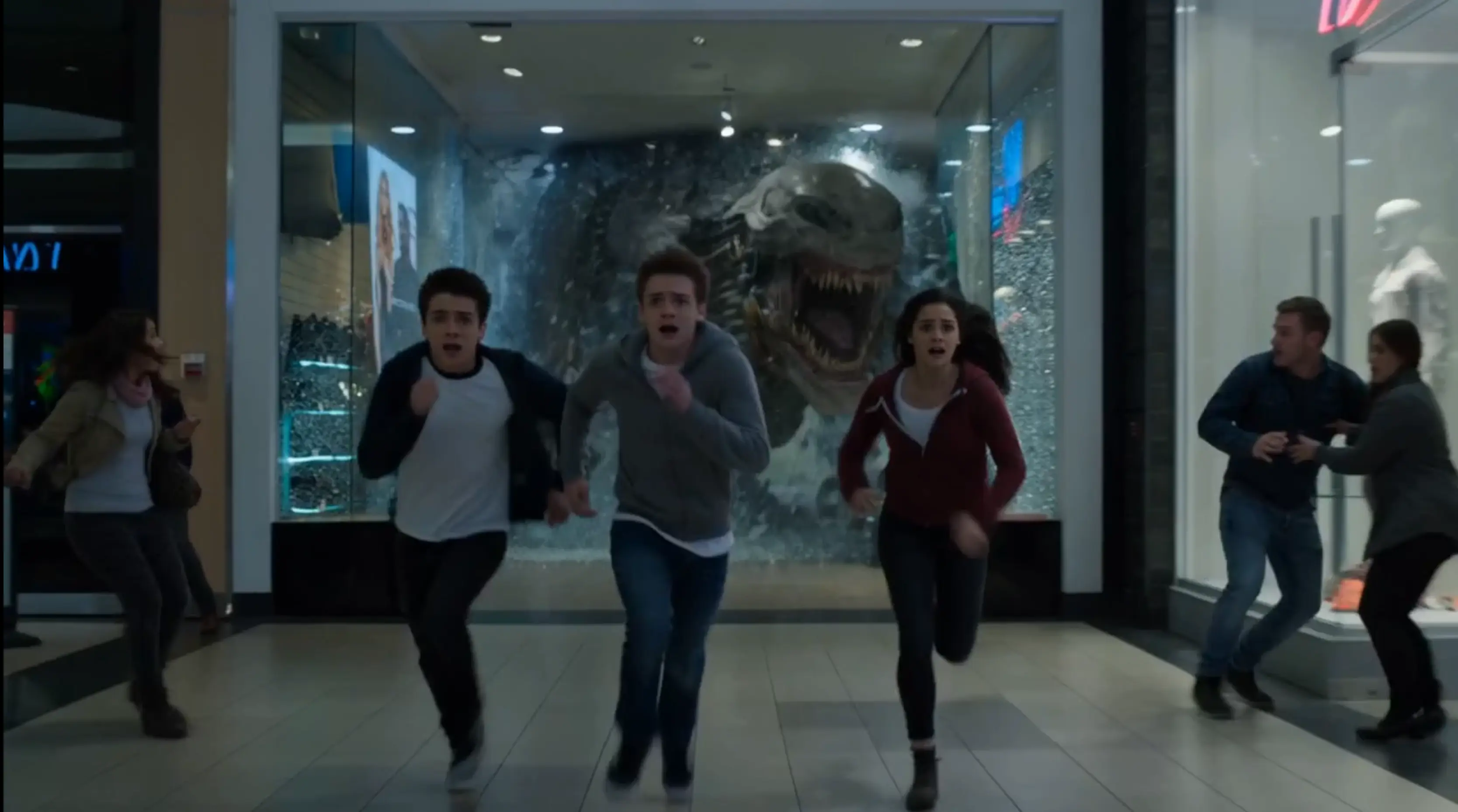
Try Meta's Muse Video model for cinematic motion and native audio, and Muse Image for agentic stills — text-to-video, image-to-video, text-to-image, and image editing in one workflow.
Animate any photo with Meta's Muse Video model. Turn still images into smooth, cinematic clips with strong temporal consistency and native audio — no timeline editing required.
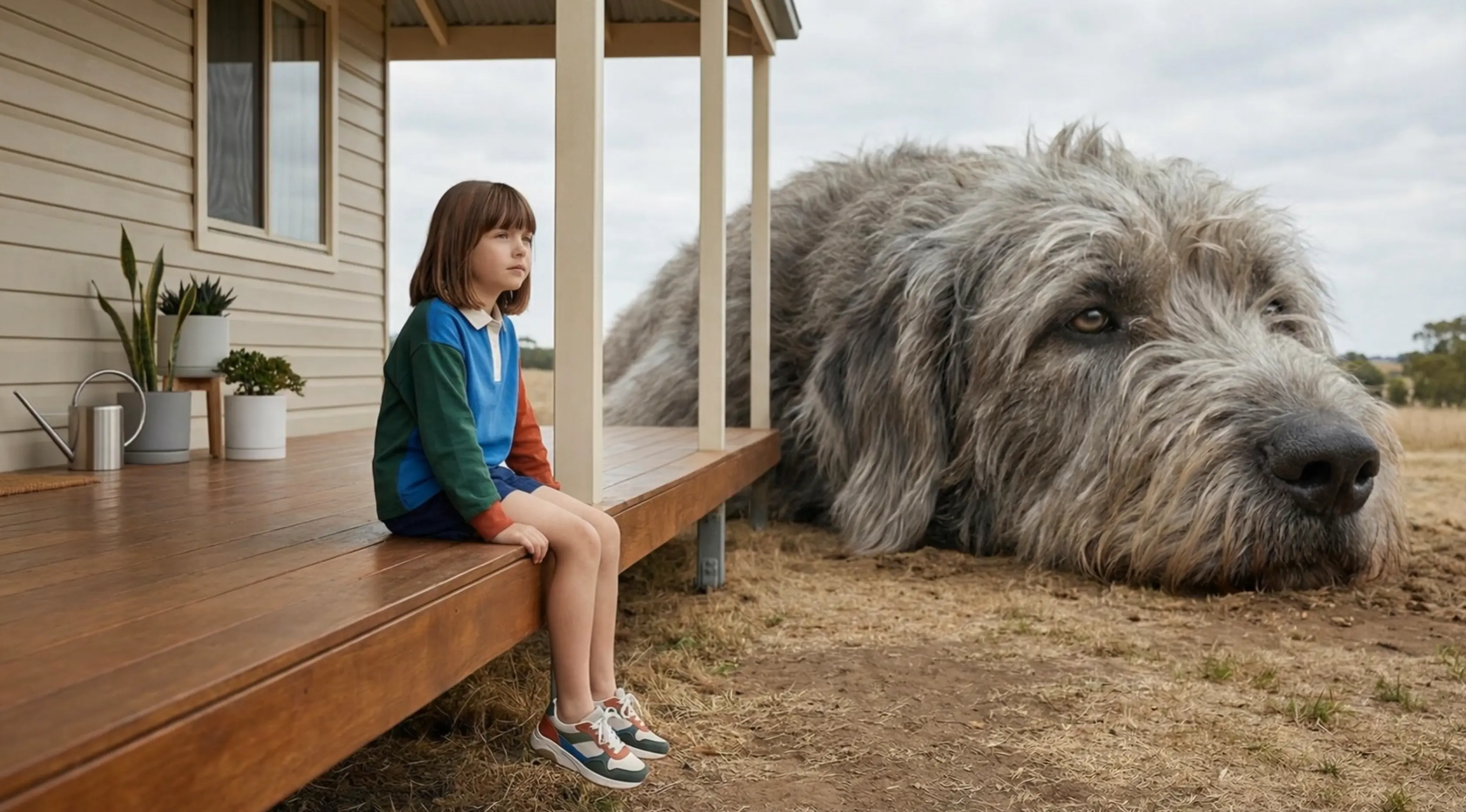
Describe your scene and let Meta's video model generate it. Get prompt-accurate clips with visual fidelity, stable motion, and synchronized sound for ads, stories, and social content.
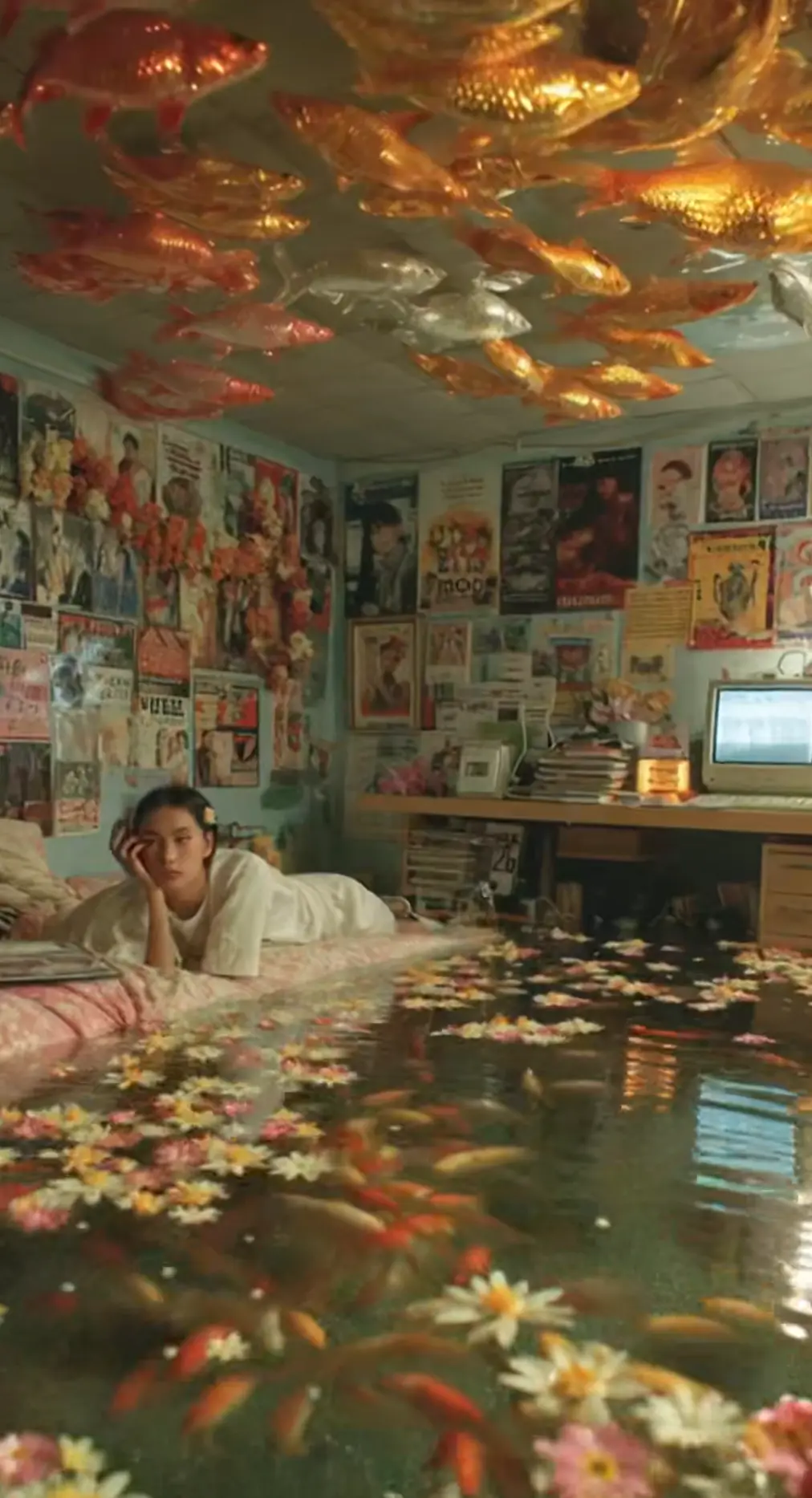
Transform, restyle, or refine any image with the Muse Image model. Change backgrounds, swap elements, and explore variations while keeping Muse Image's agentic accuracy and style stability.

Create production-ready stills with Meta's Muse Image model. Muse Image follows complex instructions, composes multi-reference scenes, and self-refines output for posters, concepts, and brand visuals.
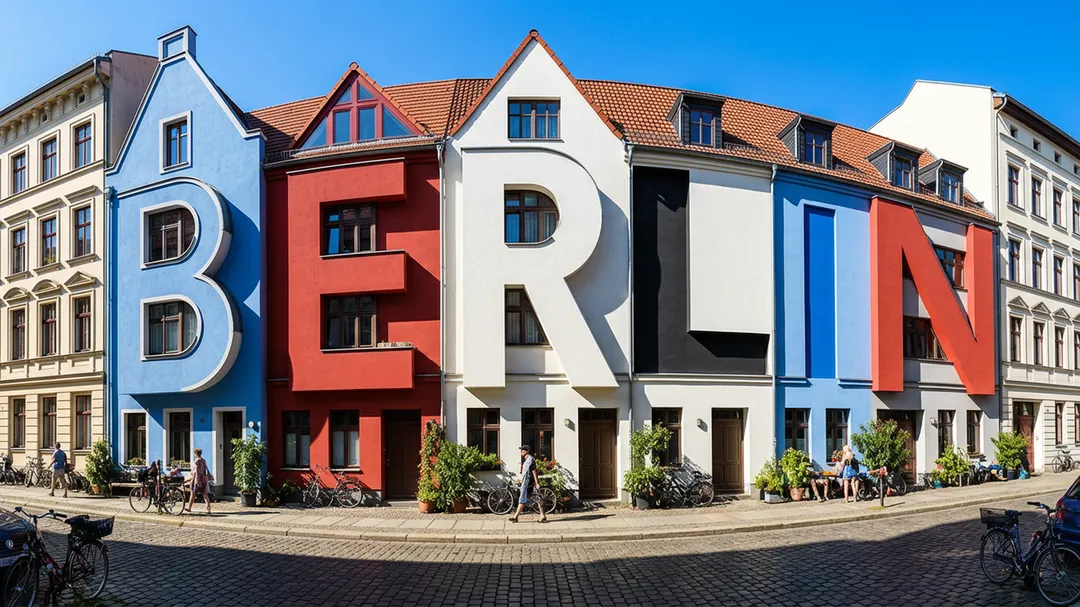
Preview Muse Video clips and Muse Image stills from real creator workflows.
Meta's video model delivers stable motion, native audio, and cinematic fidelity. Muse Image powers agentic stills and edits on the same shared pretraining foundation.
Video PreviewMeta Muse Video — Native Audio Clips
Meta's model generates synchronized sound with visuals in one pass. Preview prompt adherence, temporal consistency, and cinematic motion in real outputs.
 Image
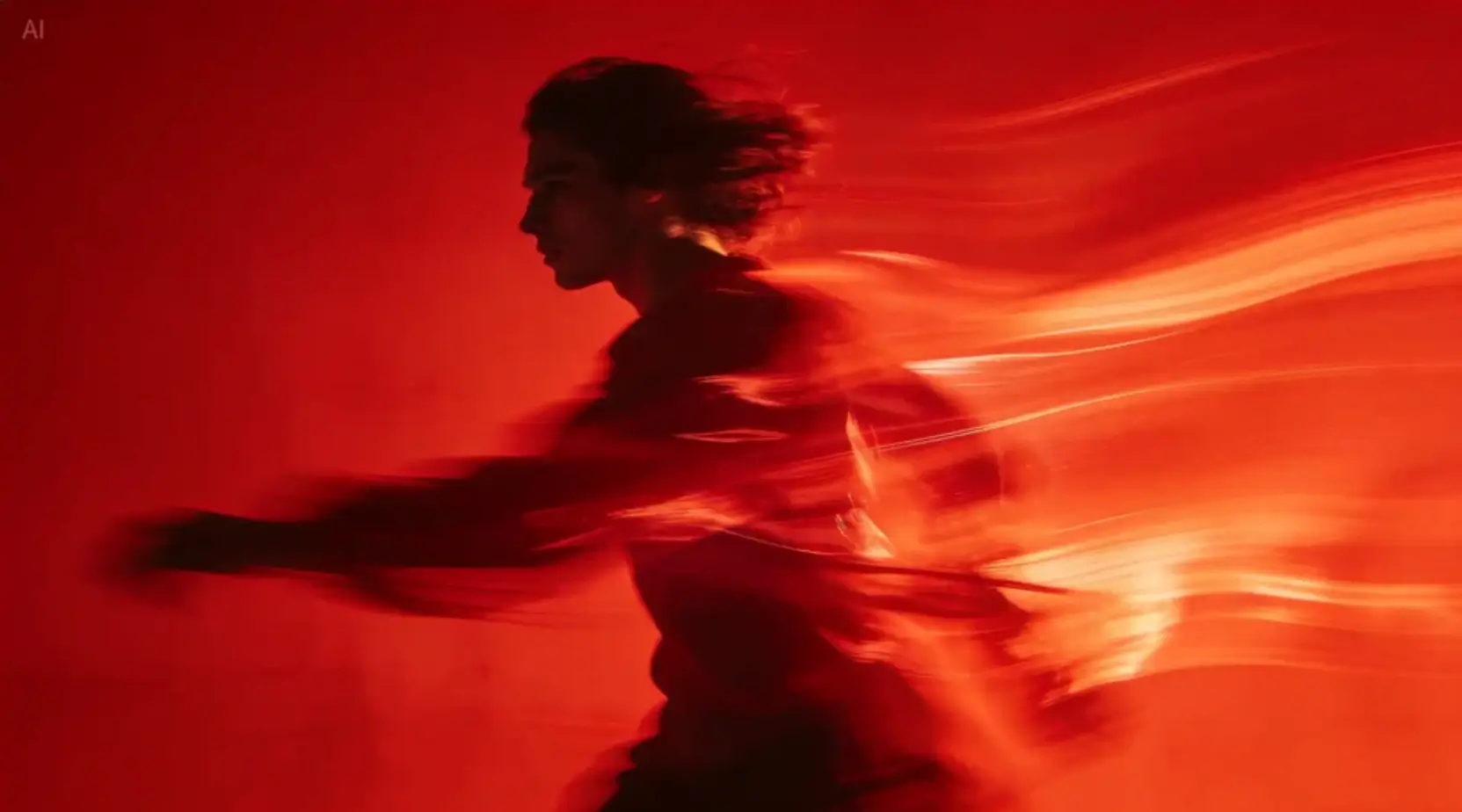
ImageMuse Image Still Showcase
High-fidelity stills from Meta's Muse Image model — natural texture, stable style rendering, and agentic accuracy for creative and production workflows.
 Image
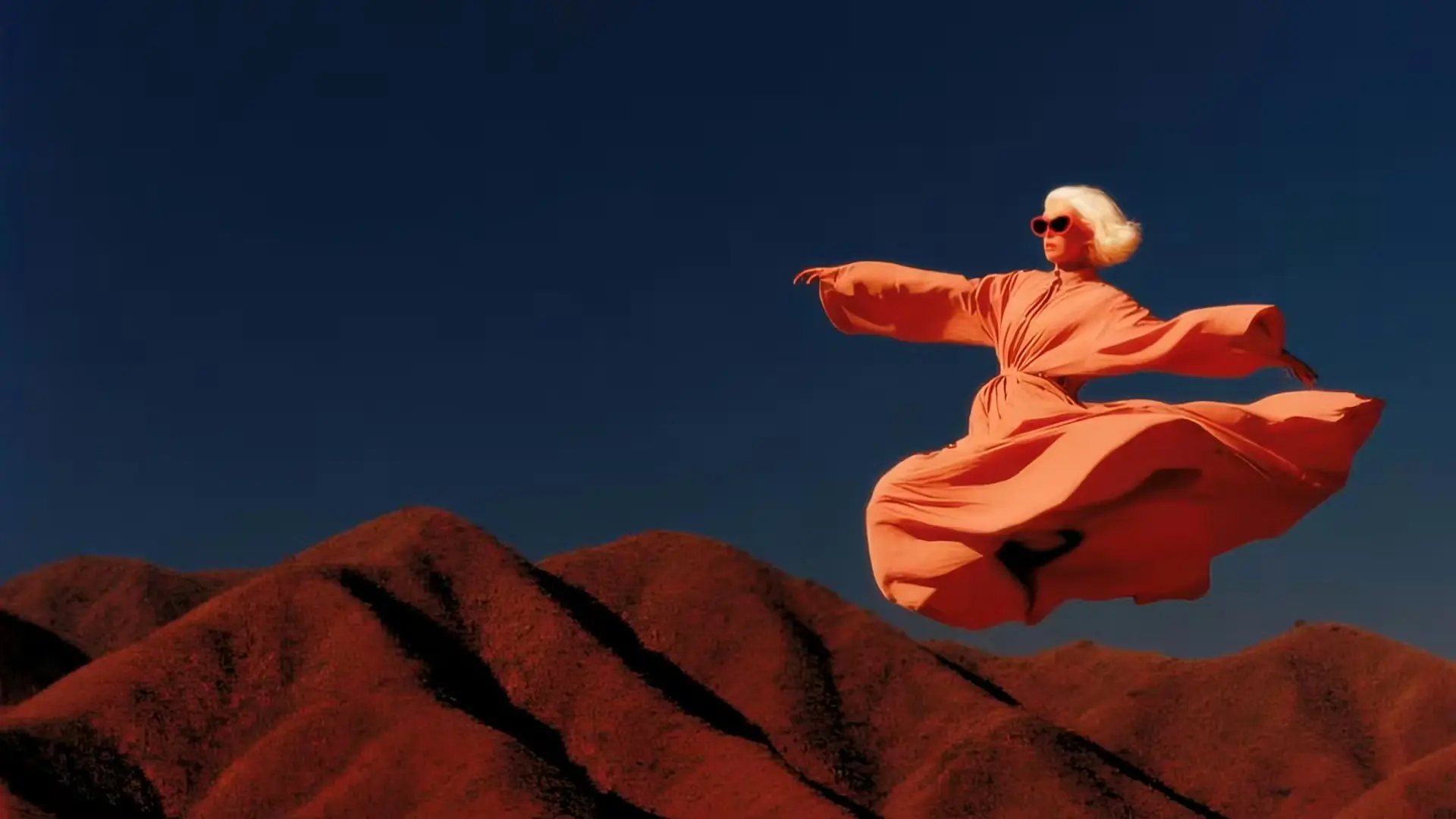
ImageMuse Image Edit & Variations
Muse Image restyles, refines, and composes multi-reference scenes with precise instruction following — the same Meta foundation that powers Muse Video motion.
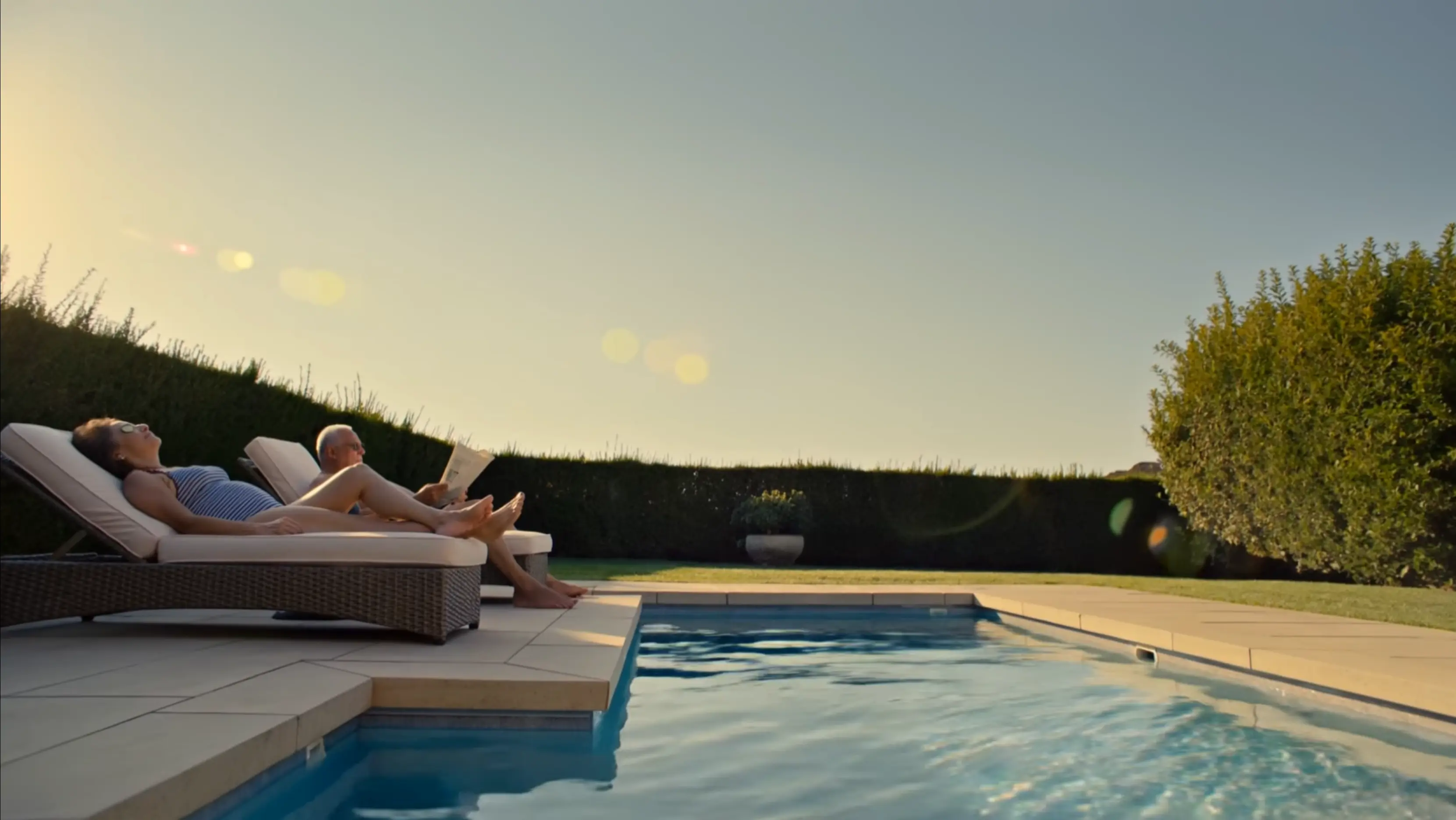 Video Preview
Muse Video Capability Preview
Evaluate motion quality, scene control, native audio sync, and visual fidelity before you generate your own clips with Meta's video model.
Meta's Muse Video and Muse Image models turn text and references into ready-to-share assets. Simple prompts, flexible controls, and fast iteration for every creative workflow.
Muse Video handles motion, native audio, and cinematic clips. Muse Image powers still generation and edits. Together, Meta's models cover your full creative pipeline without switching tools.
Muse Video and Muse Image share Meta's pretraining foundation — the same stack behind Meta's first in-house media generation models, ranked among top Arena text-to-video and image leaders.
Meta's video model generates sound alongside visuals in one pass. Muse Image searches, codes, and self-corrects for accurate charts, edits, and complex compositions — less post-production, more output.
From short-form social clips with Muse Video to campaign stills with Muse Image, Meta's models adapt to marketing, storytelling, e-commerce, and production teams at any scale.
Pick Muse Video for motion or Muse Image for stills, write a prompt, and generate — no professional editing experience needed.
Select the Meta Muse Video model for text-to-video, image-to-video, or reference workflows. Choose Muse Image for text-to-image, image edit, or image-to-image tasks.
Describe your scene, motion, or style — or upload a reference image. Use AI Enhance to expand simple ideas into detailed Muse Video or Muse Image prompts instantly.
Tune resolution, duration, aspect ratio, and output settings to match your channel, campaign, or deliverable before Muse Video or Muse Image generates.
Hit Generate and let Meta's models do the work. Video clips include native audio; Muse Image stills arrive in seconds, ready to download and share.
Creators use Meta's video model for cinematic clips and Muse Image for campaign stills. See how Meta's stack speeds up real production workflows.
“I prototype social clips by describing the shot — Meta's video model delivers motion and native audio, and I publish the same day. Production turnaround dropped by half.”
“For landscape shorts, Meta's model keeps motion smooth across frames. The outputs feel cinematic enough to drop straight into longer edits.”
“We pair Muse Image for product stills with Meta's video model for motion ads. Clients notice the upgrade — clips look polished and brand visuals stay consistent.”
“Thumbnails used to take hours. Now Muse Image handles stills and Meta's video model builds intro motion. My CTR jumped and the channel feels far more professional.”
“Couples love personalized save-the-date content. Muse Image styles their photos and Meta's model animates the story — referrals doubled with a premium feel.”
“Our small marketing team runs campaigns on Meta's video and image models. The last promo beat the previous agency cut by 40% on views.”
Create with Meta Muse Video and Muse Image on a plan that fits your volume. No hidden fees.
Subscriptions renew automatically until canceled. You can manage or cancel anytime from Billing. By subscribing, you agree to our Terms of Service and Privacy Policy.
Everything you need to know about Meta Muse Video, Muse Image, and getting started on our platform.
Muse Video is Meta Superintelligence Labs' first AI video generation model. Muse Video creates cinematic clips from text or images with native audio, strong temporal consistency, and high visual fidelity — paired on our platform with Meta's Muse Image model for stills and edits.
Yes. You can cancel your subscription at any time from your account dashboard.
Video workflows run on Meta's Muse Video model, including text-to-video, image-to-video, and reference-based generation. Image workflows use Meta's Muse Image model for text-to-image, image edit, and image-to-image. Additional supported models are listed inside the app.
Yes. Upload any photo, describe the motion you want, and the Meta Muse Video model animates it into a smooth cinematic clip — often with native audio generated in the same pass.
Absolutely. The platform is built for first-time creators and professionals alike. Pick Meta's video or image model, write a prompt, and generate — the AI prompt assistant helps you get better results quickly.
Muse Image stills typically finish in seconds. Video clips usually take one to five minutes depending on duration, resolution, and settings. Track progress in real time from your dashboard.
Free plan outputs include a watermark. Paid subscribers receive watermark-free video clips and Muse Image stills with full commercial usage rights.
Yes. Paid subscribers can use generated video and image outputs for advertising, client work, social media, and product promotion under our terms of service.
The platform supports multiple aspect ratios (16:9, 9:16, 1:1) and resolutions up to 1080p. Video delivers as MP4; Muse Image delivers PNG or JPEG files ready to download.
Yes. The Muse Image model edits existing images with text prompts — change backgrounds, swap objects, restyle scenes, or refine details with agentic accuracy from Meta's image stack.
Each generation consumes credits based on the model and output type. Free accounts receive 50 credits on signup. You can purchase additional credit packs or subscribe to a plan for a monthly credit allowance. If a generation fails, credits are automatically returned according to our policy.
Visit our Contact page to reach the support team. We typically respond within 24 hours and are happy to help with any questions about your account, billing, or creative workflow. Subscriptions can be canceled anytime from Billing.
It depends on how you received them. Registration gift credits expire 30 days after signup. Monthly subscription credits expire 30 days after each renewal. Yearly subscription credits are granted in full at the start of the billing year and expire 365 days after they are granted. One-time credit packs (Nano, Starter, Boost, Power, Ultra, Mega) never expire — they stay in your account until used. When you generate content, we always spend the credits closest to their expiry date first, so longer-lived credits are preserved.
Yearly subscriptions deliver the entire year's credit allowance in a single batch at the start of the billing period, not month by month. Those credits are valid for 365 days from the grant date. If you also hold monthly subscription credits or one-time credit packs, they all stack in the same balance — with shorter-expiry credits consumed first.
No. We do not allow NSFW content generation on our platform.
We support credit card, Google Pay, Apple Pay, and more.
Faster rendering, more credits, and expanded Muse Image and Muse Video access — Meta's video and image models built for serious creators.
Upgrade now to create with Meta's models at full speed.